INTERACTIVE 3D ASSEMBLY GUIDES
Assembly,
made clear.
Turn hard-to-follow instructions into a 3D guide people can explore. Rotate parts, zoom into connections and follow each step at their own pace.
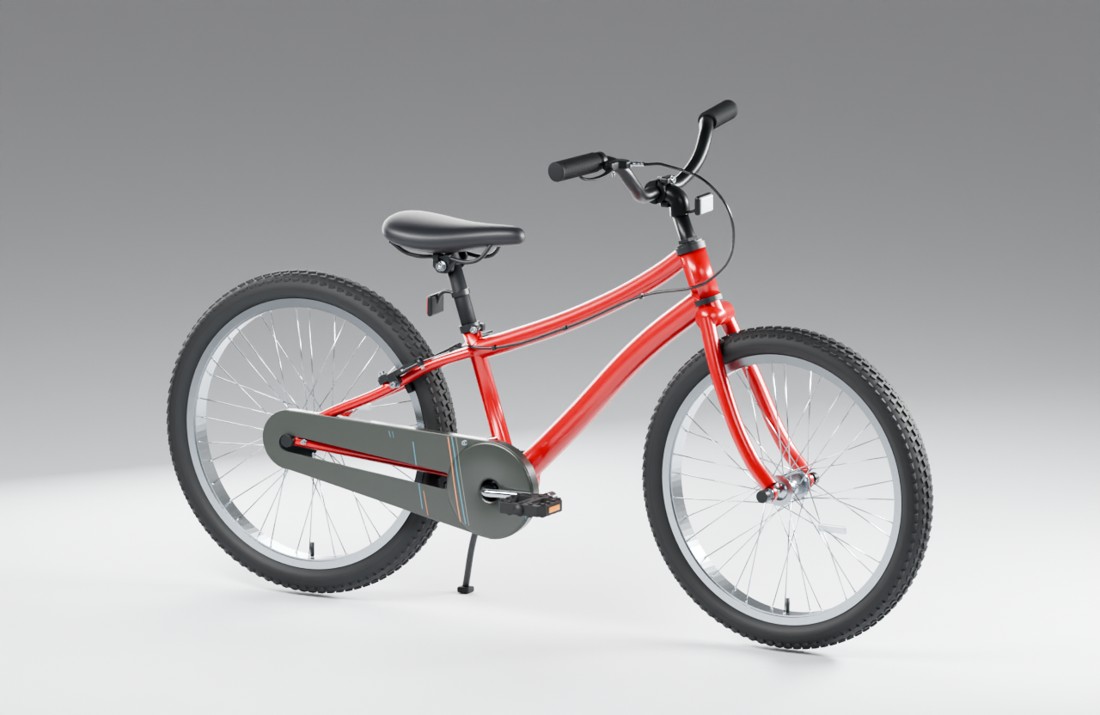
See how parts connect.
Understand one step at a time.
Explore the product with guidance.
01 / TRY IT YOURSELF
See the assembly.
Ask as you explore.
Explore the bicycle case study, then ask the guide a question. The same approach can be tailored to desks, shelving and other products that need assembly.
Explore the 3D model.
20 stages. 22 part groups.
Rotate, zoom and explore the assembly sequence.
For physical assembly, follow the manufacturer’s instructions.Read the usage notes ↗
02 / MAKE CONNECTIONS CLEAR
Find the connection.
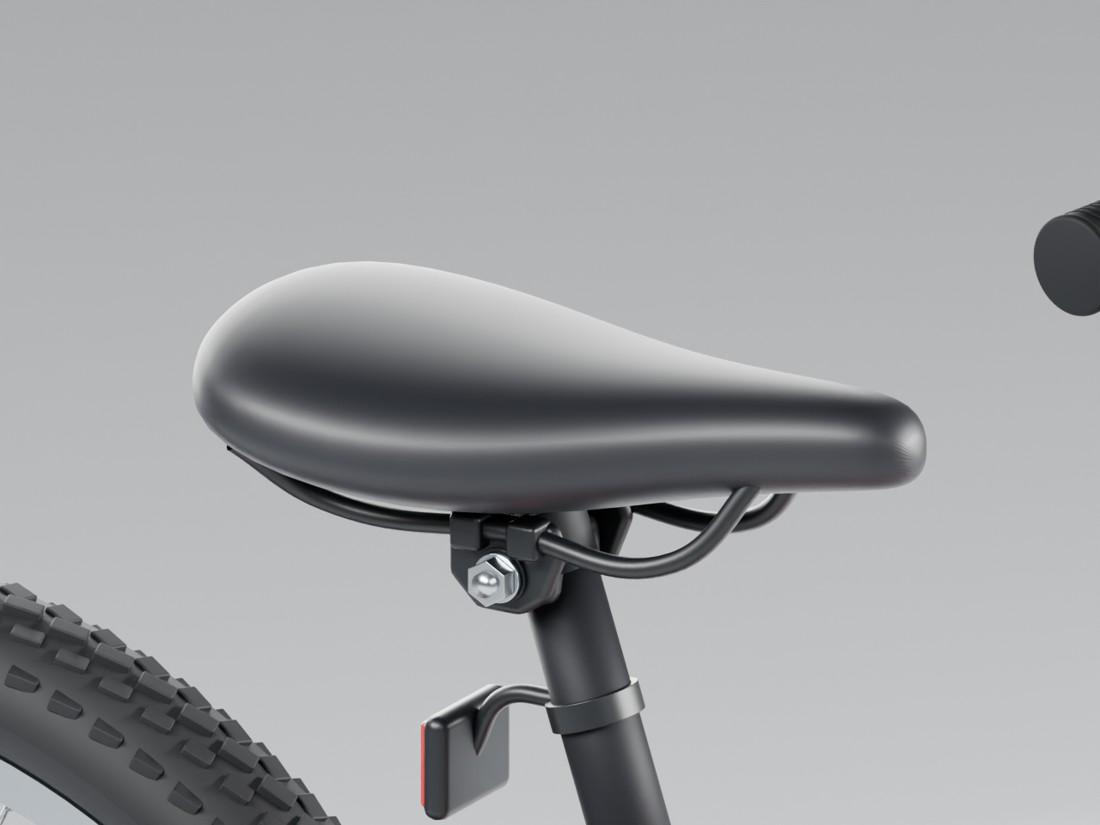
See how it fits.
Show the orientation of a bracket, where a washer sits and which step comes next. Build the guide around the real product and the questions its users ask.
Compare the model with reference photos ↗03 / START WITH ONE PRODUCT
Start with one sequence.
Review it together.
No CAD files? We can assess your existing instructions, product photos, key measurements or a sample. Unclear connections need to be confirmed before they become part of the guide.
- 01
Share your product
Send a product link, your current instructions and the assembly steps you want to explain more clearly.
- 02
Agree a paid pilot
Agree the sequence, required references, revision rounds and deliverables before confirming a quote.
- 03
Validate against the product
Check the guide against the physical product and invite users to try it before expanding to the full instruction set.
Discuss your product
Which assembly step
needs a clearer view?
Share your product link and current instructions.
We’ll assess a suitable pilot scope.
Timing and acceptance criteria are agreed after assessment.